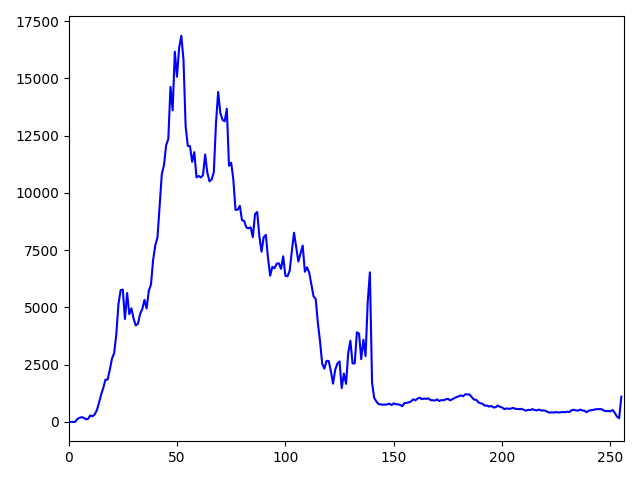
OpenCV 直方图与傅里叶变换
1 | import cv2 |
本博客所有文章除特别声明外,均采用 CC BY-NC-SA 4.0 许可协议。转载请注明来源 YuKiFuHaNeの博客!
相关推荐

2023-07-14
傅里叶变换
傅里叶变换的作用 ·高频:变化剧烈的灰度分量,例如边界 ·低频:变化缓慢的灰度分量,例如一片大海 滤波 ·低通滤波器:只保留低频,会使图像变模糊 ·高通滤波器:只保留高频,会使图像细节增强 url:https://zhuanlan.zhihu.com/p/19763358 ·opencv中主要就是cv2.dft()和cv2.idft(),输入图像需要先转成np.float32格式 ·得到的结果中频率为0的部分会在左上角,通常要转换到中心位置,可以通过shift变换来实现 ·cv2.dft()返回的结果是双通道的(实部,虚部),通常还需要转成图像格式才能展示(0,255) 123456789101112131415161718import numpy as npimport cv2from matplotlib import pyplot as pltimg = cv2.imread('face.png',0)img_float32 = np.float32(img)dft = cv2.dft(img_...
2023-07-14
OpenCV 按轮廓裁剪图像 ROI(掩膜 mask)
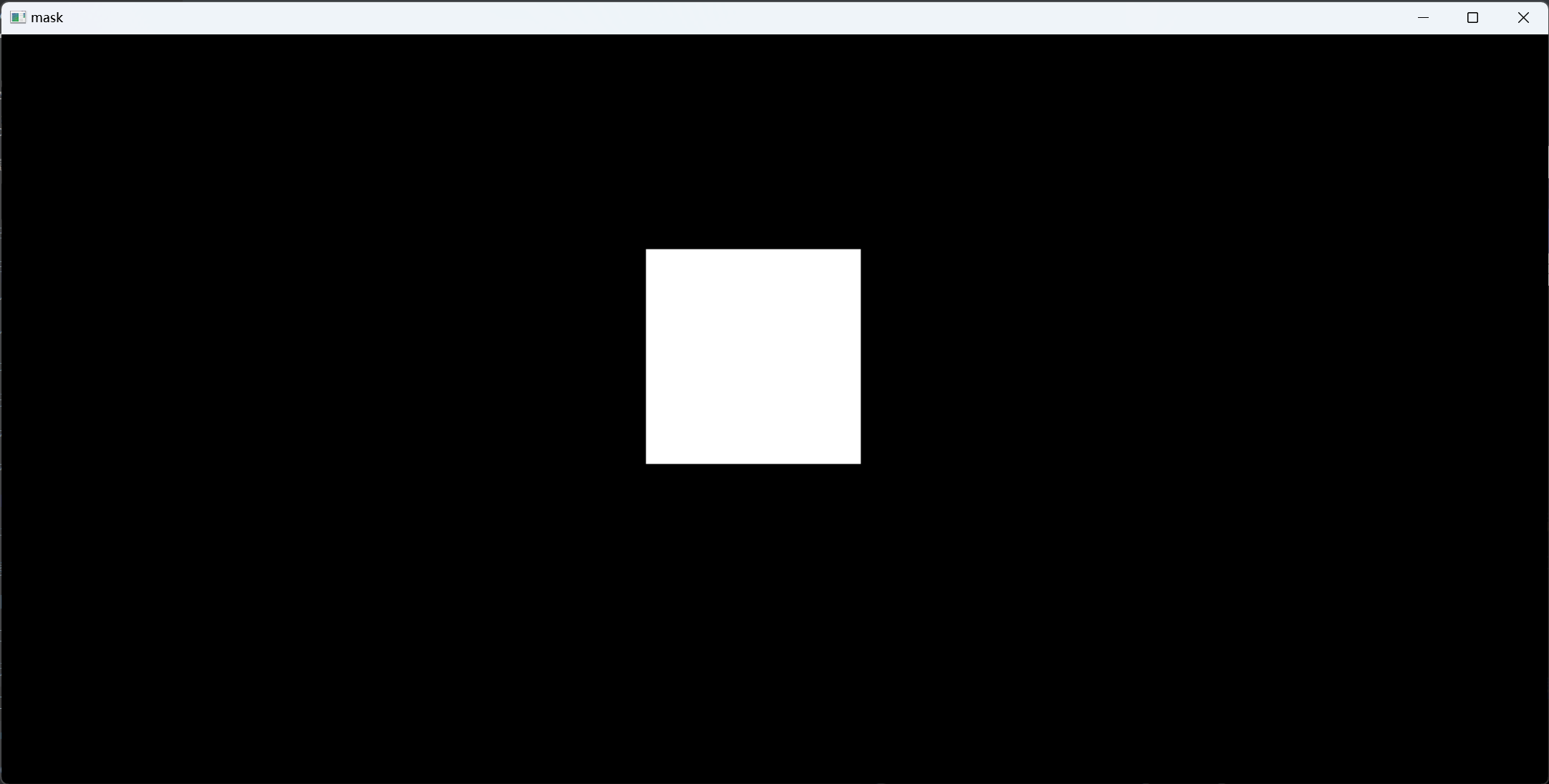
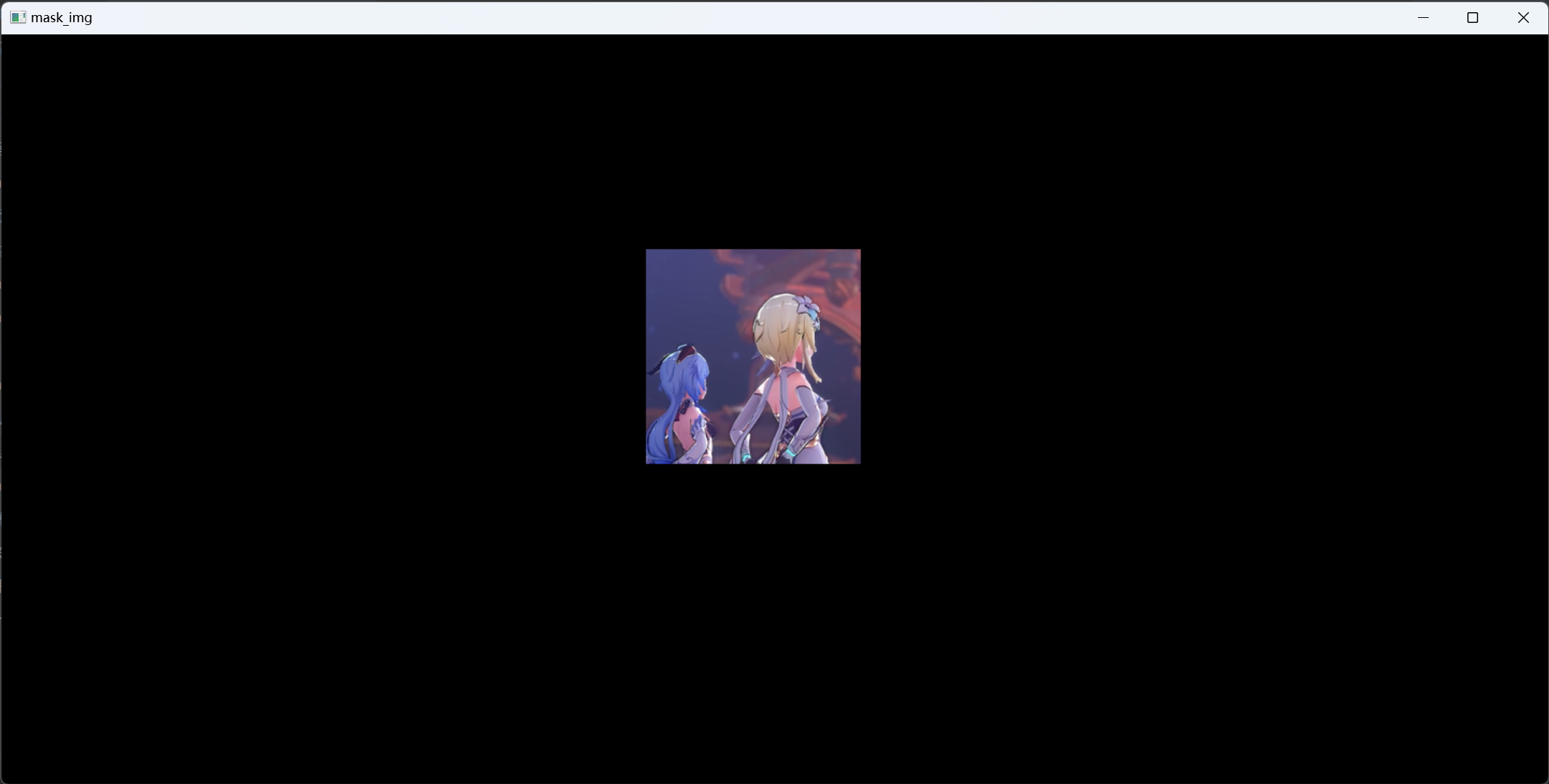
12345678910111213141516171819202122232425262728293031import cv2import numpy as npimg = cv2.imread('lingbosize.png')gray = cv2.cvtColor(img,cv2.COLOR_BGR2GRAY)ret,thresh = cv2.threshold(gray,0,255,cv2.THRESH_BINARY_INV| cv2.THRESH_OTSU)contours,hierarchy = cv2.findContours(thresh,cv2.RETR_TREE,cv2.CHAIN_APPROX_SIMPLE)mask = np.zeros(img.shape,np.uint8)#原图大小的纯黑图draw = np.zeros(img.shape,np.uint8)#将原图copy 到 draw上,加上mask操作temp = np.zeros(img.shape,np.uint8)#每次循...
2023-07-14
低通滤波与高通滤波
概念 代码12345678910111213141516171819202122232425262728293031323334import cv2import numpy as npfrom matplotlib import pyplot as pltimg = cv2.imread('face.png',0)img_float32 = np.float32(img)dft = cv2.dft(img_float32,flags = cv2.DFT_COMPLEX_OUTPUT)dft_shift = np.fft.fftshift(dft)rows,cols = img.shapecrow,ccol = int(rows/2),int(cols/2) #中心位置'''#低通滤波mask = np.zeros((rows,cols,2),np.uint8)mask[crow-30:crow+30,ccol-30:ccol+30] = 1'''#高通滤波mask = np.ones((...
2023-07-14
图片 resize 与 addWeighted 图像融合
resize:cv2.resize(img,(0,0),fx=3,fy=3) (0,0)表示不指定具体数值,后面是放大倍数addWeighted(图片大小要一样):cv2.addWeighted(img,0.5,img1,0.5,10)#gama是亮度集1234567891011121314151617181920212223242526import cv2import numpy as npfrom matplotlib import pyplot as pltimg = cv2.imread("a28.png")img1 = cv2.imread("draw.png")cv2.imshow("img",img)cv2.waitKey(0)cv2.destroyAllWindows()print(img.shape,img1.shape)# 如果shape不同img = cv2.resize(img,(400,600))img1 = cv2.resize(img1,(400,600))print(...
2023-07-14
OpenCV 轮廓检测
轮廓检测:cv2.findContours(img,mode,method) mode:轮廓检索模式 ·RETR_EXTERNAL 只检测最外面的轮廓 ·RETR_LIST 检索所有的轮廓,并将其保存到一条链表当中 ·RETR_CCOMP 检索所有的轮廓,并将他们组织为两层:顶层是各部分的外部边界,第二层是空洞的边界 ·RETR_TREE 检索所有的轮廓,并重构嵌套轮廓的整个层次method:轮廓逼近方法 ·CHAIN_APPROX_NONE 以Freeman链码的方式输出轮廓,所有其他方法使出多边形(顶点的序列) ·CHAIN_APPROX_SIMPLE 压缩水平的、垂直和斜的部分,也就是,函数只保留他们的终点部分 123456789101112131415161718192021222324252627282930313233#cv2.findContours(img,mode,method)#***** 要一个通道 **...
2023-07-14
ROI 感兴趣区域的截取
image[Y起点:Y终点,X起点:X终点] 1234567891011import cv2import numpy as npfrom matplotlib import pyplot as pltimport matplotlibimg = cv2.imread("a28.png")rows,cols,chn = img.shapeprint(rows,cols,chn)img1 = img[100:500,200:600]cv2.imshow("img1",img1)cv2.waitKey(0)cv2.destroyAllWindows()